How to teach your students to write their first CV
Help each student turn a real activity into evidence for their first CV, then review it using a shared set of criteria.
Adapt this guide to your situation
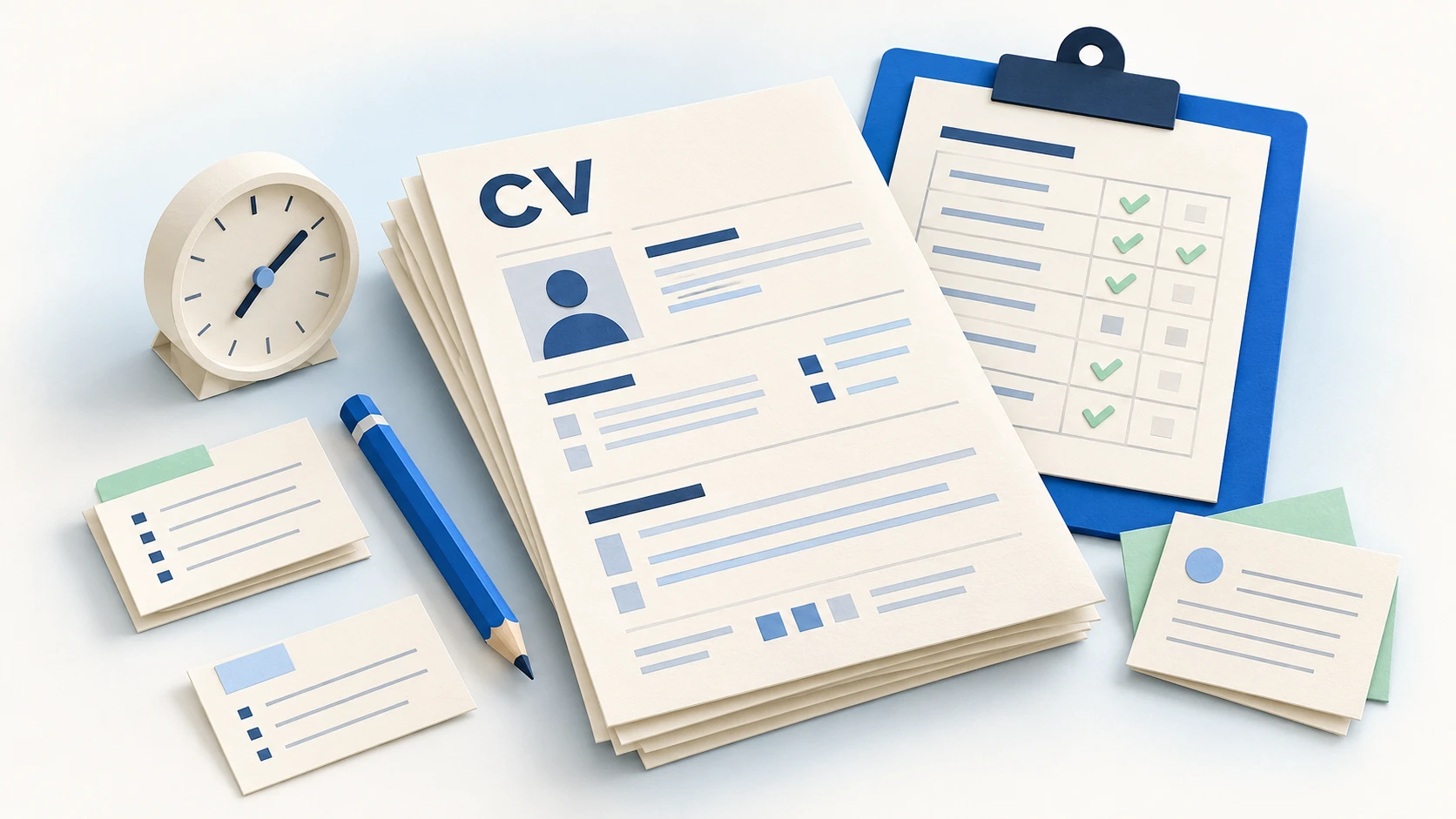
A student reaches the experience section and says, “But I have never had a job.” Use that situation as the starting point for a discussion: before choosing a template, what could this person describe and how could they support it? A classroom project, a responsibility within a team or a volunteering activity may provide useful material, as long as its context is clear.
This lesson plan is for teachers, tutors and careers advisers helping students write a first CV. By the end, each student should have a draft aimed at a particular opportunity, one accurately described activity and an agreed next improvement. You can adapt this Curriculumify workshop to your teaching and your students' starting points.
Prepare the lesson: outcome, materials and starting point
Share this learning outcome: “I can explain what I could contribute to a particular opportunity using facts I can support.” Work on layout afterwards. Students can use paper or the word processor your school already provides.
- Choose a suitable work-experience placement or entry-level vacancy. Alternatively, create a clearly labelled fictional brief with three specific tasks.
- Prepare the worked example, student worksheet and rubric below. You can copy them into your learning platform or print this page.
- Ask students to recall a recent activity in which they had a task of their own. They do not need to bring proof of paid employment.
- Use fictional names and contact details for whole-class discussion. Collect personal drafts through your school's established channels.
Europass recommends selecting relevant facts for the vacancy. We apply that principle here: the brief helps students decide what to describe, rather than encouraging them to claim requirements they do not meet.
A 60-minute CV writing lesson plan
The timings are a planning suggestion. For a group that needs more writing support, cover the worksheet and example in one lesson, then draft and review in the next.
| Time | Teacher activity | Student output |
|---|---|---|
| 0–5 min | Introduce the opportunity and ask what the successful applicant would actually do. | One task highlighted in the brief. |
| 5–15 min | Guide the worksheet: activity, contribution, tool and outcome. Ask specific questions. | Notes describing one real activity. |
| 15–25 min | Discuss the before-and-after example and identify what supports each statement. | One revised sentence about their activity. |
| 25–40 min | Help organise contact details, a profile, education, projects and relevant skills. | A first CV draft. |
| 40–52 min | Model respectful feedback, then organise paired or individual review. | One specific observation using the rubric. |
| 52–60 min | Ask for a change and a short explanation of how it improves the document. | A second version and a next step. |
Student worksheet: “What did I do, and how can I describe it?”
Start with short notes rather than polished writing. You can model the process using a shared fictional activity before students work on their own situations. Nobody needs to disclose personal information to practise the method.
Worksheet to copy or print
- 1. My target opportunity
- Which role or placement interests me? Which task have I selected?
- 2. A real activity and its context
- Was it a classroom project, personal activity, volunteering or paid work? When did it happen?
- 3. My individual contribution
- What did I do? Start with a specific verb: prepared, checked, organised, explained…
- 4. A tool or process I used
- What did I use, and for what purpose? Name a task I could repeat or explain.
- 5. An outcome someone could review
- What was completed: a document, an installation, a record or a presentation? Avoid figures I did not measure.
- 6. How I would explain it in an interview
- What example or work sample could I discuss? Separate my contribution from the team's work.
- 7. My CV sentence and next improvement
- Write one or two sentences, then identify a detail I still need to check or clarify.
If a student is stuck, ask, “What did you submit for your last group assignment?” or “Which part would have been missing if you had not taken part?” Keep the focus on describing an activity, rather than comparing how many opportunities students have had.
A before-and-after example to discuss together
Opportunity: a work-experience placement involving stock records and product-reference checks.
First draft: “I am responsible, excellent at Excel and experienced in logistics.”
The facts in this case: the group ran a simulated shop; the student prepared the stock spreadsheet, used filters to sort product references and checked quantities against the exercise's records.
Revised version: “Simulated-shop classroom project: prepared the stock spreadsheet in Excel, sorted product references using filters and checked quantities against the exercise's records.”
Ask what has changed. The second version identifies the setting, an individual contribution and a specific use of a tool. It does not turn a classroom project into employment or claim broad Excel expertise. In a full CV, place this under “Projects” or “Relevant activities” and add the actual date.
A simple accompanying profile could be: “Business student with classroom practice in organising stock records in Excel. Seeking a retail work-experience placement to learn how a store manages stock and supports customers.” This is also fictional. Students should replace the facts and objective with their own, rather than copying it as a personal claim.
A five-part rubric for student CV feedback
Share the criteria before students start writing. Each row can be scored from 0 to 2, giving a possible total of 10. Use the rubric to guide feedback. If you use it for grading, align it with your own learning outcomes and assessment policy.
| Criterion | 0 · Starting | 1 · Developing | 2 · Clear |
|---|---|---|---|
| Fit with the opportunity | No target is identifiable. | A target is named, but the content remains generic. | The target and an example connect to the selected tasks. |
| Specific evidence | Only adjectives or lists are given. | An activity is named, but the student's contribution is unclear. | The activity, individual task and a reviewable outcome are explained. |
| Accuracy | Education, projects and jobs are confused. | The setting is clear, but dates or skill levels are ambiguous. | Context, dates and capabilities are described without exaggeration. |
| Clarity | Key information needed to understand the profile is missing. | The information is present but difficult to locate. | Sections and sentences make relevant information easy to find. |
| Reasoned revision | No improvement is identified. | A change is proposed without explaining its purpose. | A change is made and the student explains what it clarifies or corrects. |
On a narrow screen, scroll the table horizontally to read every column.
Assess what students do with the material available to them. Previous paid work, travel or a paid template should not earn extra marks by themselves. If a statement seems uncertain, ask the student to explain and revise it; writing style alone is not evidence of dishonesty.
Give feedback that leads to a second draft
Use an observation, a question and an action: “You have named the project, but not your task. Which part did you prepare? Add a sentence beginning with that action.” This gives the student something specific to do.
For peer review, ask each student to identify one sentence that is clear and one that needs clarification. Where sharing personal CVs would be unsuitable, use the fictional example or an individual teacher review. End with the sentence: “I changed… because it now makes… clearer.”
Adapt the activity to your class
- No employment or chosen projects: start with a recent class task. If there is no useful example yet, set a small learning activity and describe it accurately once completed.
- Students needing writing support: allow an oral explanation, capture notes and turn one action into a sentence before building the document.
- A bilingual lesson: keep the facts consistent while working on expression. The versión en español provides the same sequence and criteria for Spanish-speaking groups.
- No computer access: complete the worksheet, draft and review on paper; save formatting for a later session.
For additional teaching materials, Barclays LifeSkills provides lessons on building, refining and tailoring CVs. The timetable, worksheet and rubric on this page are our own proposed activity.
Common classroom questions
Can I run this in a 50-minute lesson?
Yes. Share the brief beforehand, then allow 10 minutes for the worksheet, 10 for the example, 15 for drafting, 10 for review and 5 for reflection. Split the work across two lessons if students have never encountered a CV before.
What if a student uses AI to write their CV?
Ask them to check each claim against their worksheet and explain their edits. Practise with a fictional case if useful. Follow your school's rules for these tools and avoid entering students' personal information into external services.
Should I require a photograph or a particular template?
Assess the selection and clarity of information in this activity. You can provide a plain outline. For a real application with specific requirements, review those instructions separately.
What should students hand in?
The worksheet, the revised CV and a sentence explaining one change. These let you discuss the process and agree a next improvement. Before a real application, check contact details and dates and open the exported file to check its layout and selectable text.
Sources and editorial approach
Examples, activities and review criteria are editorial suggestions from Curriculumify. References support the recommendations attributed to them.
- Europass: creating and tailoring a CV
- Barclays LifeSkills: applying and demonstrating skills through CVs
Sources checked on 21 October 2026.
Curriculumify team
We create practical CV and job-search guides with worked examples and references you can check.
Spotted something we should review? Contact us.